

The app drawer on my phone had 14 productivity apps in it at one point. Fourteen. I was switching between three different task managers depending on which screen I happened to open, and I still missed a dentist appointment. That's the thing nobody tells you about productivity software: the tool is rarely the problem, but the wrong tool will absolutely make the problem worse.
After that mess I cut everything except five apps, and I've kept it there for over a year. Below is the shortlist I actually use in 2026 to manage my time — with prices, the free-tier limits that matter, and the parts of each app that annoy me. If you're looking for a list of twenty apps, this isn't it. Five is the point.
Key takeaways
- You need two kinds of tools: one for capturing tasks, one for protecting blocks of time. One app rarely does both well.
- Every app below has a usable free tier. I marked exactly where each one starts charging.
- Notifications are the hidden cost — the best app is the one you open less, not more.
- My total paid spend: less than $15 a month for the whole setup.
- If you only adopt one thing from this article, make it a weekly 20-minute review. The app matters less.
The top five productivity apps for managing your time in 2026
Before the list, a quick note on how I picked. I rated each app on four things: how fast it is to capture a thought (under 5 seconds or it's out), whether it works offline, what the free version actually gives you, and whether it's on both iPhone and Android without a degraded experience. I dropped apps that require a full onboarding ritual just to add a task. That last filter killed more candidates than anything else.
| App | Best for | Free tier | Paid price | Platforms |
|---|---|---|---|---|
| Todoist | Task capture across everything | Yes, generous | ~$4–5/month | iOS, Android, web, desktop |
| Google Calendar | Time-blocking your day | Fully free | Free (Workspace if you need it) | Everything |
| TickTick | All-in-one (tasks + calendar + habits) | Yes | ~$3–4/month | iOS, Android, web |
| Forest | Focus sessions, students | Limited | One-time ~$4 | iOS, Android |
| Obsidian | Notes and weekly review | Yes, personal use | Free / sync is paid | iOS, Android, desktop |
1. Todoist — the capture inbox
Todoist wins on one metric: the time between thinking of something and having it recorded. Natural-language input handles "pay invoice friday 4pm" and files it correctly, which sounds trivial until you try to do the same thing in an app that makes you tap through three menus first. I moved my whole task list here in a single afternoon and stopped losing things in my head.
The free plan covers five active projects, which is enough for personal use if you're disciplined. Labels and filters beyond the basics, reminders, and the activity history sit behind the paid tier. The weakness? Todoist will happily let you create 40 projects and never look at them. It has no opinion about your time. That's why it's number one on this list and still not enough on its own.
2. Google Calendar — the block that actually protects your hours
No, it's not exciting. But a task list without a calendar is a wish list. Every Sunday I drag my three or four most important tasks into specific hours of the coming week, and that single habit has done more for my focus than any app feature I've ever paid for.
On iPhone and Android the app is identical in behaviour, syncs instantly, and costs nothing. The one thing I'd change: it won't stop you from accepting a meeting that eats your deep-work block. Set your working hours and decline things. The calendar can't protect time you keep giving away.
The rest of the shortlist
3. TickTick — if you want one app instead of two
Honestly, if you hate the idea of a task app plus a calendar, TickTick bundles both, adds a Pomodoro timer and habit tracking, and stays under $5 a month. I ran it for about six weeks. It worked fine. I left because the calendar view felt cramped on a phone and I preferred Todoist's capture speed.
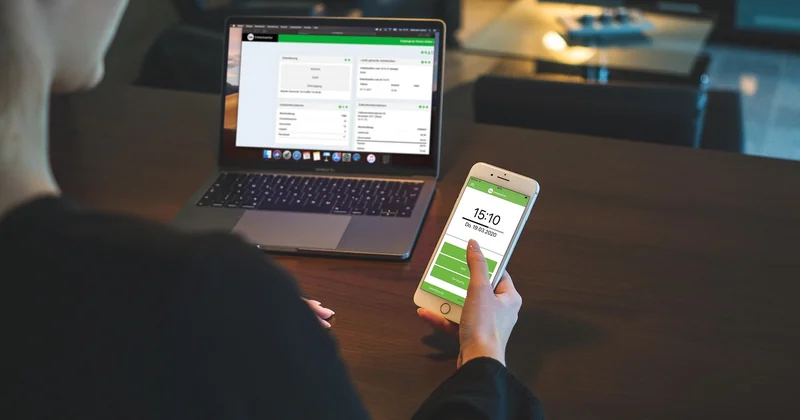
For anyone setting up from scratch, though, TickTick is the shortest path from zero to a working system — especially on Android, where it integrates more cleanly with system widgets than most competitors.
4. Forest — the one students actually stick with
Plant a virtual tree, and it dies if you leave the app. That's the whole mechanic, and somehow it works better than any stats dashboard I've tried. I used it during a stretch of exam prep and logged roughly 40 hours of focused sessions over five weeks — far more than I managed with a silent timer running in the background.
It's a one-time purchase rather than a subscription, which I respect. It's also the most student-friendly pick here: no account required, no cloud, nothing to configure. The catch is that it only manages attention during a session. It won't tell you what to work on.
5. Obsidian — for the weekly review
Here's where I'll take a strong position: the weekly review is the highest-leverage 20 minutes in any time-management system, and Obsidian is where mine lives. Plain-text notes, no lock-in, works offline. I keep a single note per week with three questions: what actually got done, what kept slipping, and what I'm cutting next week.
Free for personal use; syncing across devices is the paid part, and I'll admit the setup curve is real. If you want something simpler, a paper notebook does the same job. The tool isn't the point — the review is.
Free tiers, iPhone, Android, and student picks
The most common question I get is some version of "can I do this without paying?" Short answer: yes. Todoist free, Google Calendar, TickTick free, and Forest's free version (with ads) will run a complete system. My paid additions come to under $15 a month across the whole stack, and I could cut that to zero without much pain.
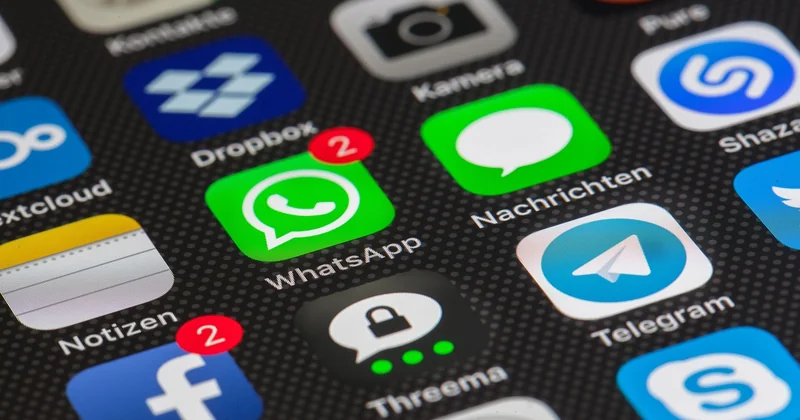
On phones specifically, all five apps ship native versions for both iOS and Android. Todoist and Google Calendar are the most reliable on either platform. Forest and TickTick feel slightly more at home on Android widgets; Obsidian is the most fiddly on a small screen, which is why I mostly use it on a laptop.
Time management app for students
For students, the best starting point is Forest for focus sessions plus Google Calendar for deadlines, both free or near-free. Skip the subscription task managers until you have a system you actually follow — most students I've talked to abandon a paid app within a month, and the money isn't what they regret.
What didn't work (so you don't repeat it)
Two failures worth mentioning. First, I tried an AI scheduling app that automatically rearranged my day whenever a meeting landed. It rescheduled a task four times in one week, and I stopped trusting it — the moment a tool moves your plans without asking, you start ignoring its output.
Second, I spent about $180 over eight months on subscriptions I opened fewer than five times each. Time-tracking tools, an email-zero service, a second notes app. None of them made me faster. The lesson cost me real money: add an app only when you can name the specific problem it solves this week, not the kind of person you'd like to become.
How to put the five together
One capture inbox, one calendar, one focus tool, one place for the review. That's the shape of it. Set it up in an afternoon:
- Move every open task into one app. Delete anything older than a month that you haven't touched.
- Block three hours next week for your most important work — in the calendar, not the task list.
- Pick one focus tool and use it for a single session today.
- Schedule a 20-minute review for Sunday evening. Recurring. Non-negotiable.
Give it two weeks before you change anything. The urge to switch apps is usually the urge to avoid the work, and no download in 2026 will fix that. Which of the five is missing from your setup right now — and is it the calendar, the one that costs nothing?


